A Log That Outlives the Session: Storing Capture Days
How a database engine stores, purges and exports the rows a low-altitude capture day produces, from schema design to Data Pump archives.
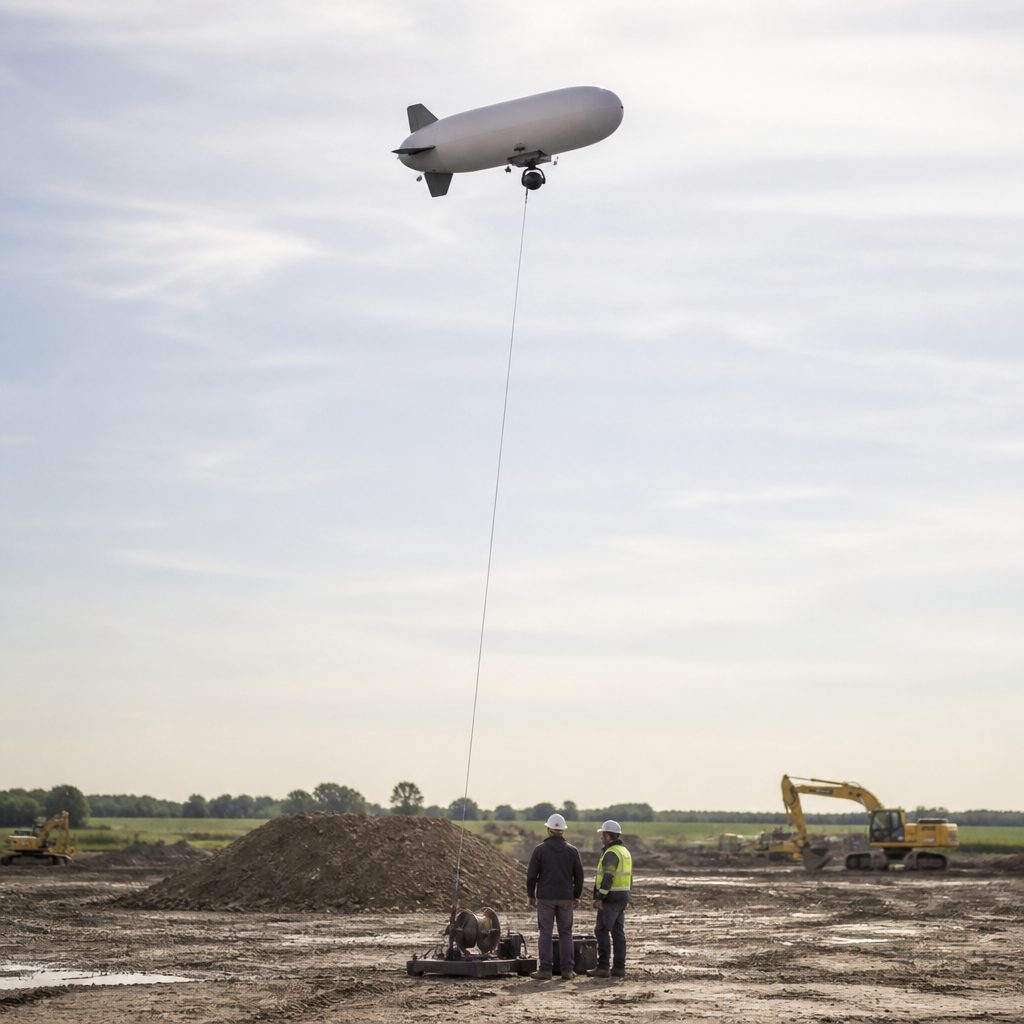
A capture session ends when the airship lands, but the data it produced is only beginning its life. Flight logs, GPS tracks, exposure metadata and image references need a storage layer that survives the workstation, the operator and the season: a database engine, not a spreadsheet. The hard parts are three: designing rows that append cleanly at capture rates, purging them on a schedule without losing evidence, and exporting them when a client or an archive asks for a year of flights in one file.
The workflow described here assumes a relational engine running on the ground-station Mac or on a small server in the workshop, populated automatically at the end of each flight day. Oracle, PostgreSQL and SQLite all fit the pattern; the examples below use Oracle terminology because it is the engine many enterprise GIS and photogrammetry shops already run, and because its behavior around purging and export is well documented. For readers working in that ecosystem, the Spanish-language technical blog Oracle purge and export covers the recycle bin and PURGE mechanism, Data Pump export/import, partitioning and related SQL tasks with short compile-checked examples, which is a useful reference when replicating the steps below.
Why not keep the log in files?
A single flight generates a modest number of rows: one per image for shutter events, one per second for telemetry, one per battery cycle. Over a season this reaches hundreds of thousands of rows, which a text file can technically hold but cannot query. The questions that arrive months later are always set-based: which images were taken below 60 m over the church site in March, which flights used the 24 mm lens, how many hours did the airframe log between two inspections. Answering those from flat files means writing a parser every time.
A relational table also enforces what a file cannot: a unique flight identifier on every row, foreign keys from shutter events to the flight they belong to, and constraints that reject a telemetry row with an altitude of 0 when the barometer clearly recorded 84 m. When the log is the only record of what the camera did, those constraints are the difference between an archive and a pile of text.
How should the rows be laid out for a season of flights?
Three tables cover most capture programs. FLIGHTS holds one row per session: date, site, airframe, total duration, operator. TELEMETRY holds time-series rows keyed to the flight, with timestamp, altitude AGL, ground speed, heading and camera trigger flag. IMAGES holds one row per exposure: filename, focal length, aperture, shutter speed, GPS coordinates at exposure, and the telemetry timestamp it should join against. Indexes go on flight identifier and timestamp, because every query the season produces filters on those two columns.
Partitioning by date range earns its keep once the table passes a few million rows. Range partitions by month mean that a query about March touches one segment, and that dropping a whole expired month is a metadata operation rather than a row-by-row delete. Interval partitioning automates the creation of new monthly partitions, so the operator never has to intervene at the start of a season. List partitions work when the program is organized by site rather than by calendar: one partition per client site keeps each client's data physically, and administratively, separate.
Sequences or IDENTITY columns generate the row identifiers, so that concurrent writers, the telemetry logger and the image importer running in parallel, never collide. The database dictionary views let the operator verify the structure without guesswork: which partitions exist, which indexes are in place, which constraints are enabled.
How does purging work without destroying the record?
Retention policy differs between telemetry and images. The image files themselves stay on disk or on backup media for years; the telemetry that describes them is often only needed at full resolution for a few months, after which a downsampled hourly or daily summary suffices. Purging therefore happens in two layers: a scheduled aggregation that collapses old telemetry into summary tables, and a deletion of the raw rows once the summary is verified.
In Oracle, dropping a table does not immediately destroy it: the table goes to the recycle bin, where it remains until a PURGE command removes it permanently or space pressure does. That two-stage behavior is a safety net for the aggregation script, since a wrong DROP can be flashed back before the purge. It also means that a purge policy has to be explicit: leaving dropped objects in the recycle bin indefinitely consumes the space the next capture season needs, so the maintenance script should purge on a fixed schedule, and document what it purged.
Locking is the other operational concern. If the purge job runs while an import from the day's flight is still writing, the engine may block one session on the other's locks, or in heavier cases return connection errors such as ORA-12516 when the listener runs out of shared handles. Scheduling the purge outside capture hours, and checking for locked objects before it starts, avoids the failure mode where the ground station cannot log a flight because the cleanup from last week is still holding a lock.
What does export look like when a client asks for a year of flights?
Export is where the log proves its value. A parish wants its church flights from the past two years, with coordinates and altitudes, delivered as a single dataset. From the relational store this is one query, or a small set of queries, written to a portable format: CSV for tabular delivery, or PDF for a signed flight record. Generating PDFs programmatically from the log, using a Java library such as iText, turns the raw rows into the document the client actually files, with one page per flight and the exposure table appended.
For full-fidelity transfers, the native tools are faster than ad hoc scripts. Oracle Data Pump exports schema objects, with or without data, in a format that another Oracle instance can import directly, which is the right mechanism when the archive moves to a new server or when a second workshop needs an exact copy of the log. The older export and import utilities still work for smaller sets. For everything else, a JDBC connection from a small Java program covers the gap: query the rows, write the file, close the connection, log the export itself as a row in the database so that the log records what left the building and when.
A maintenance calendar for the ground station
A practical schedule for a small capture program: run the aggregation and purge job monthly, at a fixed hour when no import is expected; verify partition layout at the start of each season and let interval partitioning handle the rest; run a full Data Pump export quarterly and store it off-site; and after every export, record the export event in a table of its own. None of these steps requires a database administrator on staff. They require a calendar entry and scripts that were tested once, then left alone, which is the same discipline that keeps the airship itself flying.
The result is a log that answers questions the operator has not thought of yet, because the data is in a shape that supports questions rather than a shape that only supports replay. The session ends at landing; the rows keep working. The same question is worked through in measuring free space on a Mac.